CISO • ASSETS
Asset Risk Heatmap
Visualizes risk distribution across critical OT/IT assets-helps identify clusters, outliers, and systemic issues.
What it shows
Use the heatmap to quickly spot “hot zones” (e.g., a plant, a line, a DMZ) where multiple assets are trending risky. It is excellent for prioritizing site-based remediation.
How it’s calculated
- Each point represents an asset with score based on exposure + behavior + criticality.
- Clustering indicates shared risk drivers (same firmware family, same subnet, same vendor).
- Time filters show whether hotspots are persistent or newly emerging.
What to do next
- 1Drill into hotspotsand list the common driver (CVE, open port, weak policy).
- 2Apply bulk remediationby group (vendor patching, segmentation rule, certificate rotation).
- 3Validate improvementby tracking hotspot shrinkage over 7/30 days.
- 4Use this for budgeting: justify investments by showing risk concentration.
KPIs to watch
High-risk assets
count
Hot zones
count
Time-to-remediate
days
Why this matters to a CISO
AI only works if it’s trustworthy
If models drift or confidence drops, you’re flying blind. This keeps the AI layer honest.
Drift is normal in OT
New firmware, new shifts, new processes-all cause drift. You need to detect it early before it erodes detection quality.
Confidence drives automation
You can’t let AI auto-contain based on shaky confidence. This metric ensures automation stays aligned with risk appetite.
Feedback loops improve accuracy
Every analyst decision sharpens the models. This closes the loop between human intelligence and machine learning.
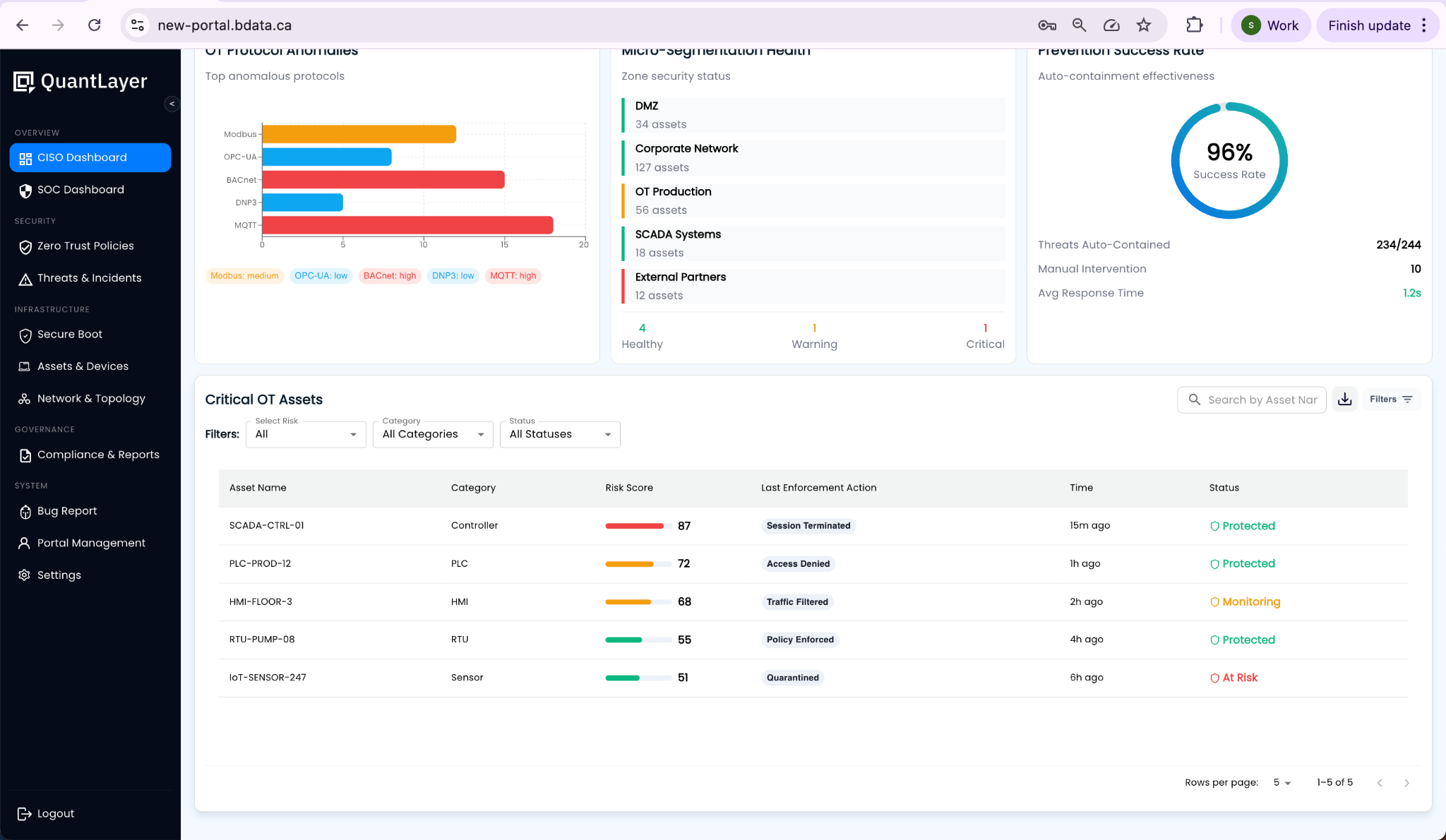
Reference UI Screenshot